
Write to us from the Help Center, and see what your pet's page needs
This week you can write to us without leaving the Help Center, and your pet’s page tells you what it is missing.
Send us a message from the Help Center#
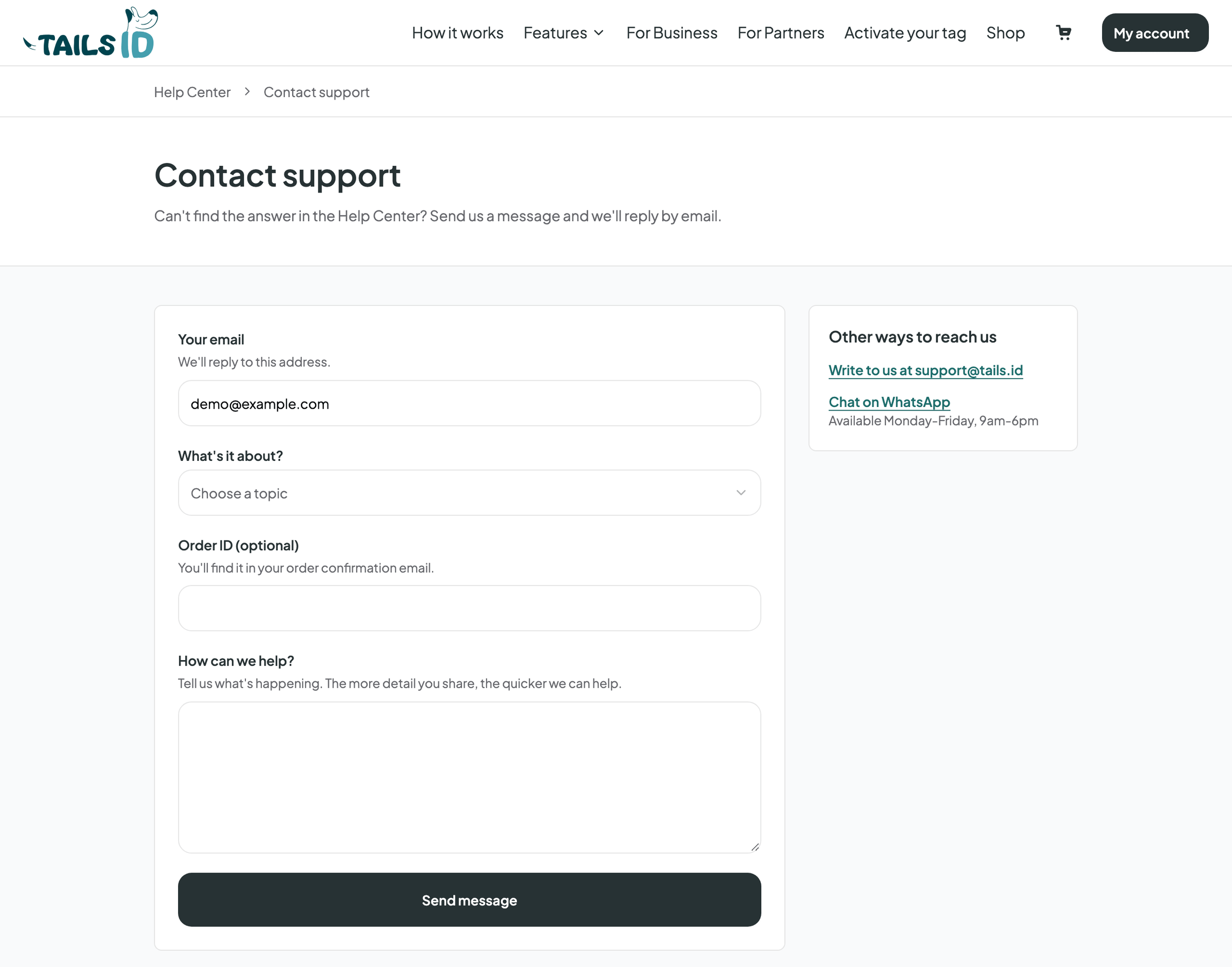
If you can’t find an answer in the Help Center, choose Send us a message at the bottom of any article. Give your email, pick a topic, add an order ID if it’s about an order, and tell us what’s happening. We reply by email. If you are signed in, your email is already filled in. The Contact support button on each Help Center section opens the same form.
See how complete your pet's page is, and what to add next#
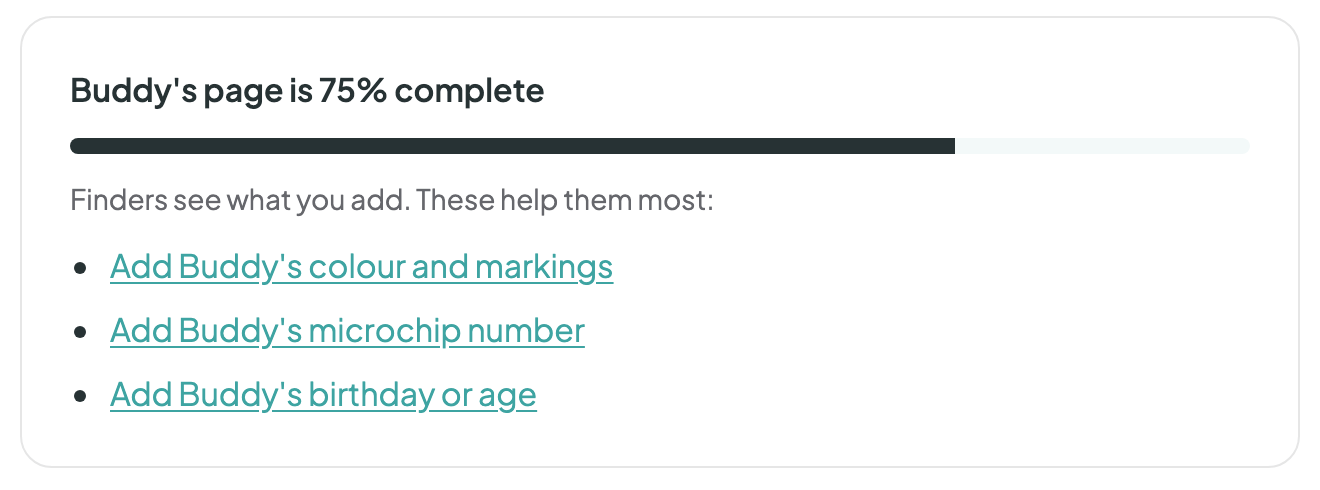
Your pet’s page now shows how complete it is, with a bar and a short list of what to add, such as a photo, a microchip number or a vet. Each item takes you straight to the right field, so you can fill it in and save. The card disappears once nothing is missing.
Pay with Clearpay or Amazon Pay at checkout#
Checkout now also offers Clearpay and Amazon Pay, where they are available for your order.
Activate your tag takes you to the activation step#
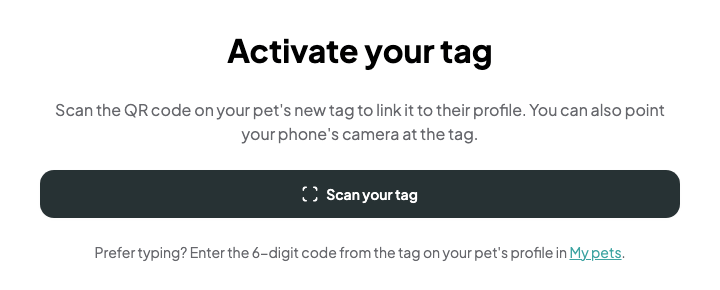
Activate your tag in the site’s menu now asks you to sign in and then opens a step where you scan your new tag. Before, it took you to your pets list. If you are already signed in, you go straight to the scan.
New phone numbers start on your account's country#
When you add a phone number, the country code now starts on the country in your account. If your account has none, it starts on the country you are in.
Fixes for lost pets and for finders sharing a location#
If you change where a lost pet was last seen after someone else has marked them home, your pet stays home and you see a note saying so. A finder who shares a pet’s location again too soon after the first time now sees that it wasn’t sent yet, instead of being told it was. And if your pet’s status can’t load, their page shows one message with one Try again.
Easier to use with a keyboard or screen reader, and the right title in every tab#
On the store, the cart and other public pages, the skip link now takes you past the header to the page itself. Screen readers read the TailsID logo as a link home, and the copyright line in the footer is easier to read. Each page also keeps its own title in your browser tab after it loads.
A tag request through your employer's perk survives signing in again#
If your session ends while you are requesting a tag through your employer’s perk, signing in again brings you back to the form with your perk still chosen, so your request goes through.